If you’re stuck trying to sign in to MyStuff 2.0, you’re not alone. login issues are one of the most common reasons McDonald’s UK crew members and managers get in touch with support.
Most MyStuff login problems come down to one of six things: incorrect credentials, a forgotten password, a browser or cookie issue, a temporarily locked account, a poor internet connection, or short-term server maintenance. Working through the checks below in order will resolve the large majority of cases without needing to contact anyone.
Why Am I Having MyStuff Login Problems?
MyStuff 2.0 is McDonald’s UK’s self-service portal for payslips, schedules, and training records. Because it’s used by such a large, varied workforce from crew members on shared restaurant devices to managers and head-office staff login problems tend to fall into a handful of predictable categories.
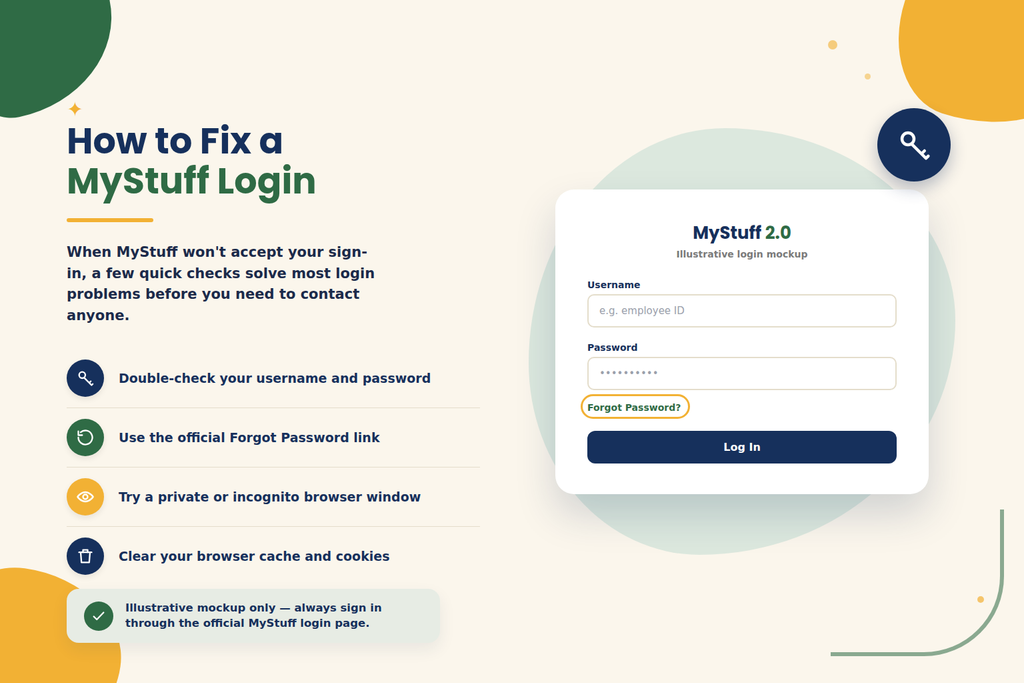
Incorrect Username or Password
The single most common cause. Usernames are typically tied to your employee ID, and passwords are case-sensitive. A stray capital letter, an extra space, or a mixed-up character (like a zero instead of the letter O) is enough to trigger a failed login.
Forgotten Password
If you haven’t logged in for a while between jobs, after a long holiday, or after switching devices it’s easy to forget which password you last set, especially if MyStuff has prompted a reset since.
Authentication Failed Error
This message usually points to a session or verification problem rather than a wrong password. It can appear when a login session has gone stale, when cached login data conflicts with a new attempt, or when a linked social sign-in (Microsoft, Google, Facebook, etc.) hasn’t refreshed properly.
Account Locked or Disabled
Entering the wrong password several times in a row will temporarily lock most accounts as a security measure. Accounts can also be disabled administratively for example, if your employment status has changed and HR hasn’t updated it yet.
Saved cookies and cached page data can conflict with an updated login system, especially after MyStuff rolls out a site update. This often shows up as a page that loads but won’t accept input, or a login that seems to succeed and then bounces you back to the sign-in screen.
MyStuff Website Not Loading
If the page itself won’t load rather than rejecting your login the cause is more likely to be your connection, browser, or a site-side issue than your credentials.
Internet Connection Problems
Weak Wi-Fi in a restaurant back office, a patchy mobile signal, or a public network that blocks certain sites can all prevent the login page from loading correctly.
Temporary Server or Maintenance Issues
Like any large system, MyStuff can be briefly unavailable during scheduled maintenance or unexpected outages. These usually resolve within a short window.
New Account Activation Problems
New starters sometimes try to log in before their account has finished being set up, or before they’ve completed onboarding steps in OurLounge. This can produce an error that looks like a normal login failure but is really an activation issue.
Session Timeout or Login Loop
Staying inactive on the page too long, or switching between tabs during login, can cause a timeout. This sometimes creates a “loop” where you’re repeatedly returned to the login screen after entering correct details.
How to Fix MyStuff Login Problems
Work through these steps in order they’re arranged from quickest to most involved.
- Check your login credentials carefully. Re-type your username and password rather than relying on autofill. Check for accidental capital letters, extra spaces, and easily confused characters.
- Reset your password through the official recovery option. Use the “Forgot Password” link on the login page rather than guessing repeatedly, which can lock your account.
- Try an incognito or private browser window. This bypasses saved cookies and cached data that may be causing a stale “authentication failed” error.
- Clear your browser cache and cookies, then close and reopen the browser before trying again.
- Try a different supported browser Chrome or Edge tend to be the most reliable choice if your current browser is behaving oddly.
- Temporarily disable VPNs or browser extensions, especially ad blockers or privacy extensions, which can interfere with login scripts.
- Check your internet connection. Switch from Wi-Fi to mobile data (or vice versa) to rule out a network issue.
- Try another device, such as a personal phone or a different restaurant computer, to see if the problem follows your account or the device.
- Wait and retry if you suspect a temporary outage or maintenance window check with a colleague to see if they’re affected too.
- Contact your manager, HR, or the appropriate support desk if your account needs to be unlocked, reactivated, or verified this isn’t something you can fix from the login screen yourself.
Common MyStuff Error Messages and What They Mean
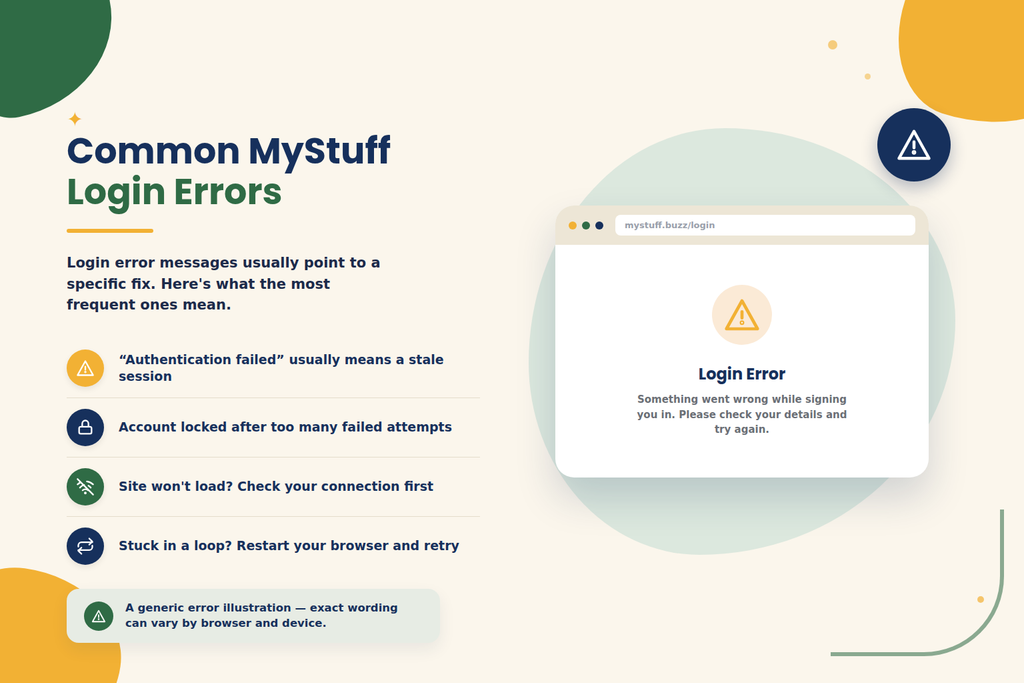
The table below covers common login situations. Treat these as general troubleshooting guidance rather than official, guaranteed error definitions, since exact wording can vary.
| Error / Problem | Possible Cause | Recommended Fix |
|---|---|---|
| “Incorrect username or password” | Mistyped credentials or an outdated saved password | Re-enter details manually, then use password reset if needed |
| “Authentication failed” | Stale session data or cached login conflict | Use a private browser window; clear cache and cookies |
| Account locked message | Too many failed login attempts | Wait, then ask your manager or HR to unlock the account |
| Page loads but won’t accept login | Browser extension or outdated cache interfering | Disable extensions; try a different browser |
| Site won’t load at all | Connectivity issue or temporary server downtime | Check your connection; wait and retry later |
| Repeated redirect back to login | Session timeout or login loop | Restart the browser and log in again without switching tabs |
| New starter can’t log in | Account not yet fully activated | Complete any pending onboarding steps, or check with your manager |
MyStuff Login Problems on Mobile Devices
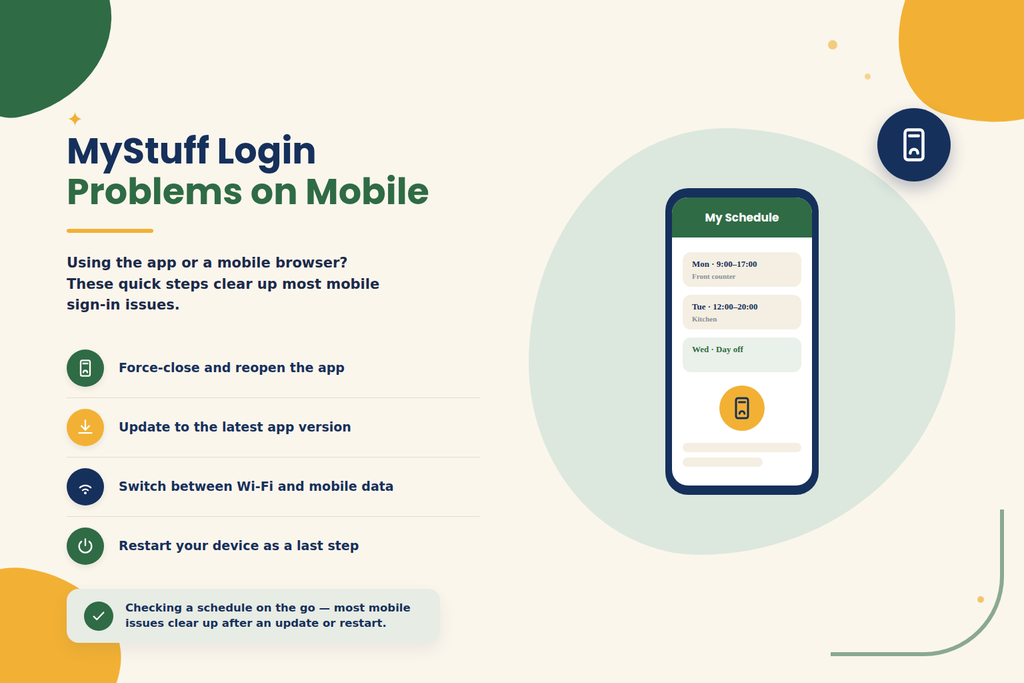
MyStuff 2.0 is available through a dedicated mobile app as well as mobile browsers, so troubleshooting differs slightly depending on which one you’re using.
- In a mobile browser: clear the browser’s cache and site data, or switch to private/incognito mode, just as you would on desktop.
- In the app: force-close it completely and reopen it. A surprising number of login and blank-screen issues clear up after this alone.
- Check for app updates: an outdated app version can lose compatibility with the login system update via the App Store or Google Play.
- Switch between Wi-Fi and mobile data: restaurant Wi-Fi can be inconsistent, and switching networks is a fast way to rule out a connectivity cause.
- Restart your device: this clears temporary memory issues that can affect app performance, including login screens that freeze or fail to respond.
- Reinstall as a last resort: if the app still won’t work after updating and restarting your device, uninstalling and reinstalling it can resolve deeper caching issues.
How to Prevent MyStuff Login Problems
A little routine maintenance goes a long way toward avoiding login trouble in the first place.
- Use a strong, unique password you don’t reuse on other sites.
- Keep your recovery email or phone number up to date so password resets actually reach you.
- Avoid saving your MyStuff password on shared or public devices, including restaurant computers.
- Always log out fully after checking your schedule or payslip on a shared computer.
- Keep your browser and the MyStuff app updated to their latest versions.
- Avoid repeatedly retrying a password you’re not sure of this is the fastest way to trigger an account lock.
- Only ever log in through the official MyStuff login page, and be wary of links from unexpected emails or texts.
When Should You Contact Support?
Self-troubleshooting has limits. It’s time to contact your manager, HR, or the relevant support desk when:
- Your account is locked or disabled and a password reset alone doesn’t fix it.
- The password reset process itself isn’t working, or reset emails never arrive after checking spam and confirming your username.
- You’re a new starter and your account still won’t activate after completing onboarding.
- You’re being asked for identity verification you can’t complete online.
- The site consistently returns server-side errors well beyond a normal short maintenance window.
- You believe you’re missing access permissions you should have (for example, a manager tile that isn’t showing up).
For ex-employees, note that MyStuff doesn’t offer an automated way to recover a forgotten username you’ll need to contact your former manager or store’s HR team directly.
Frequently Asked Questions
Most commonly it’s an incorrect username or password, a temporary account lock from repeated failed attempts, or a browser cache issue. Work through the troubleshooting steps above in order to identify which applies to you.
Go to the official login page, choose the correct login type (active employee or ex-employee), and select “Forgot Password.” Follow the on-screen steps to set a new one, and check your spam folder if the reset email doesn’t arrive.
This usually means the site is struggling with stale session or cached login data rather than a wrong password. Logging in through a private/incognito browser window, or clearing your cache and cookies, resolves this in most cases.
Wait a short while in case it’s a temporary lock from failed login attempts, then ask your manager or store’s HR team to unlock it if it’s still locked afterwards.
This is more likely a connectivity or browser problem than a login issue. Check your internet connection, try a different browser or device, and rule out a temporary outage by asking a colleague if they can access it.
Yes — try clearing your mobile browser’s cache, updating the app, switching between Wi-Fi and mobile data, and restarting your device. Reinstalling the app is a reasonable last step if nothing else works.
Yes, ex-employees can typically still access payslips and documents through a separate “ex-employee/associate” login option, though full active-employee features are removed.